Your IPTV,
beautifully played.
A refined media player for the provider you already have. Live TV, movies and series — on your iPhone, iPad, Apple TV, Android and LG TV. Your provider, your control.
Player only — Mellie includes no channels or content.
Everything your provider has,
beautifully presented.
01 — Connect once, watch everything.
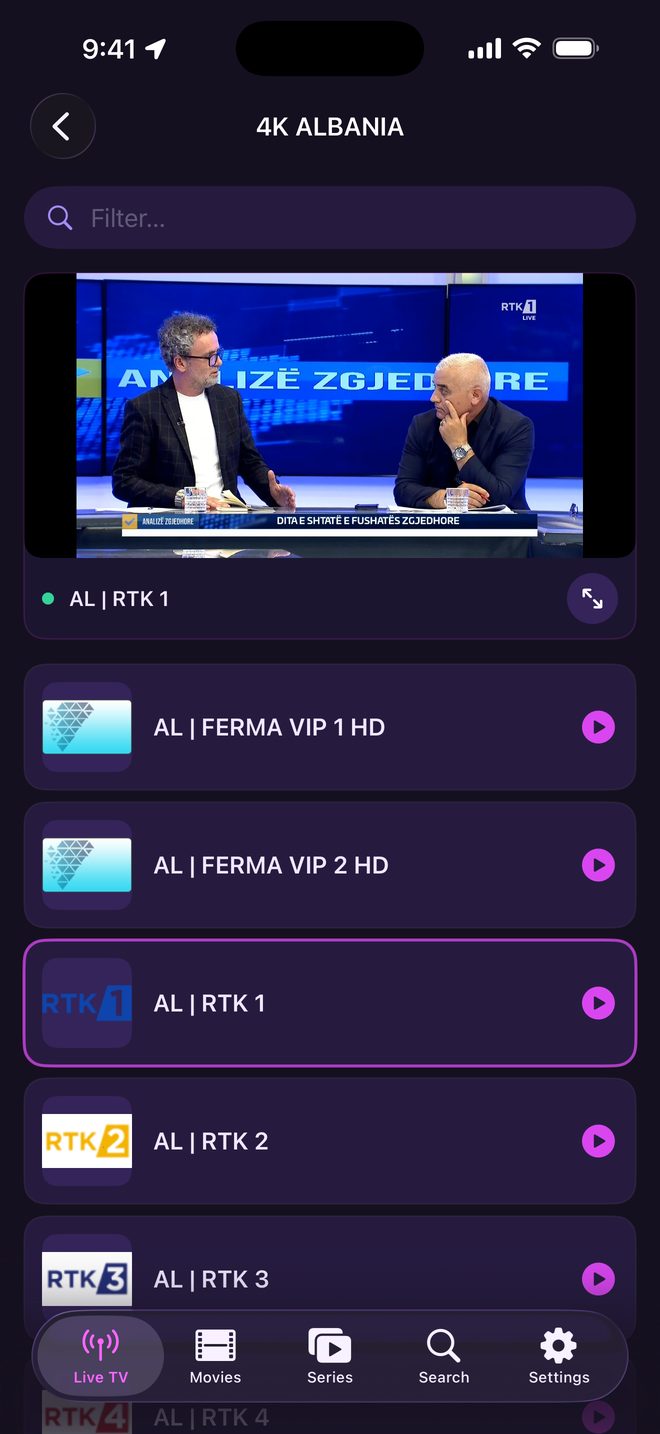
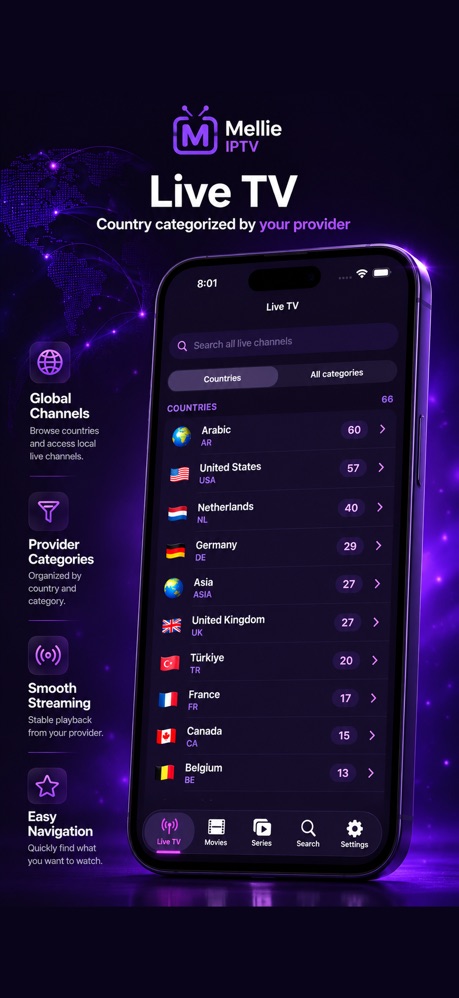
Live TV & EPG
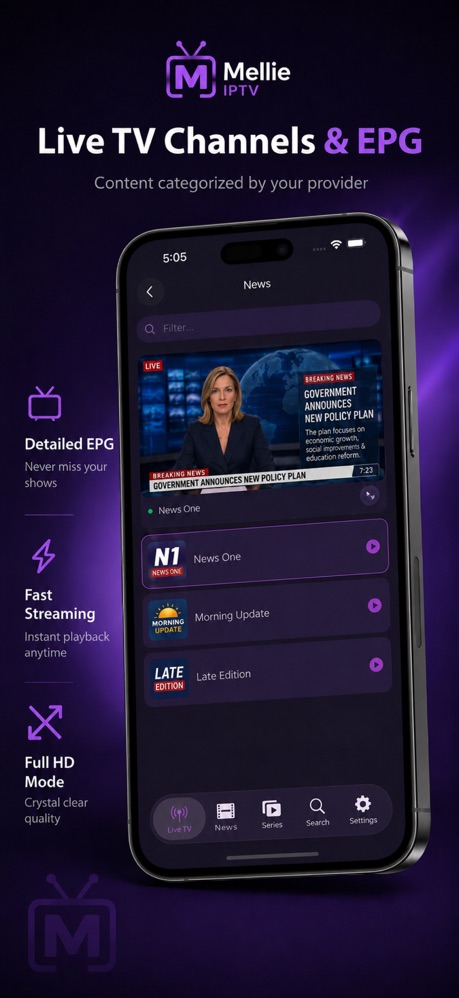
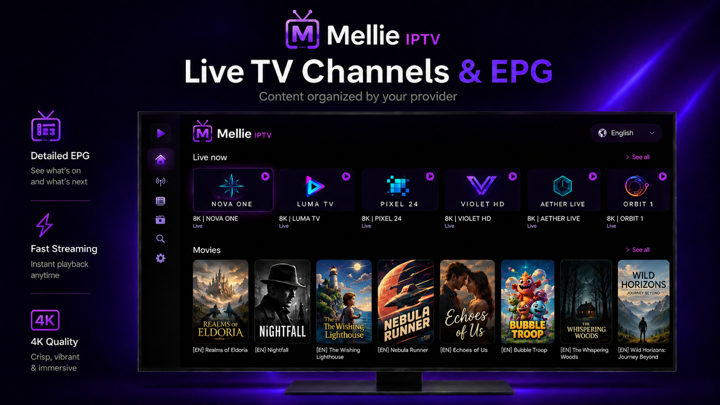
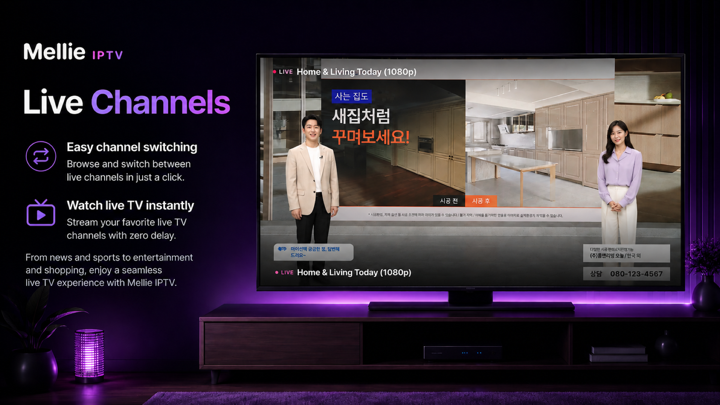
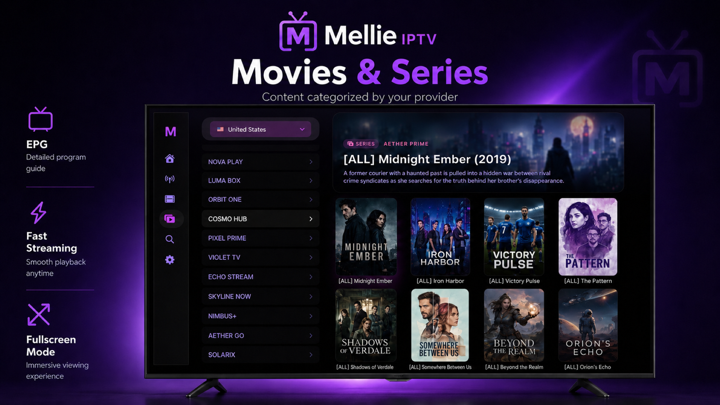
Real-time programme guides, live previews in the sidebar, and instant channel switching. Know what's on before you switch.
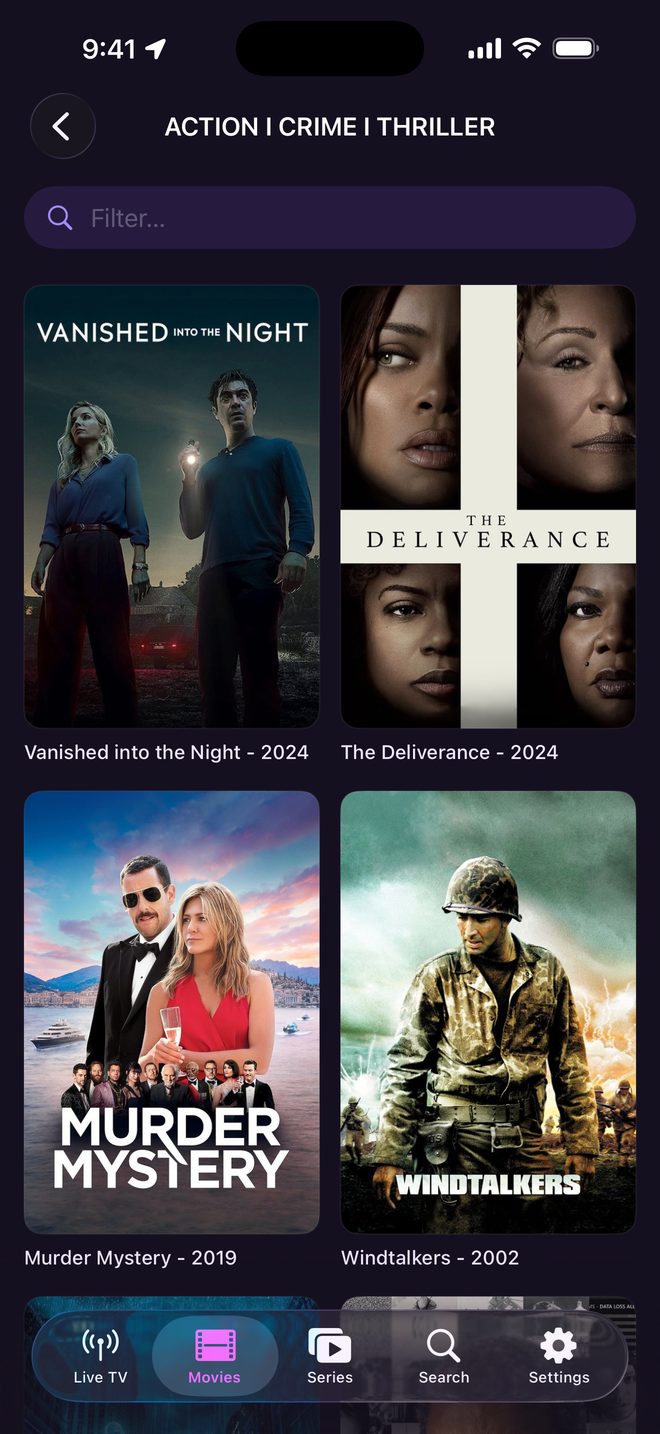
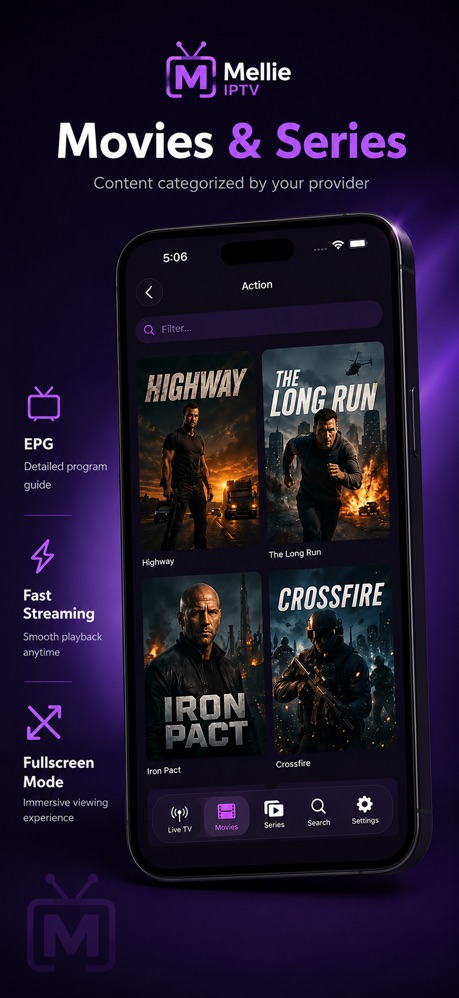
Movies & Series
A full VOD library with poster art, series organised by season and episode, and playback progress that follows you across devices.
Xtream & M3U
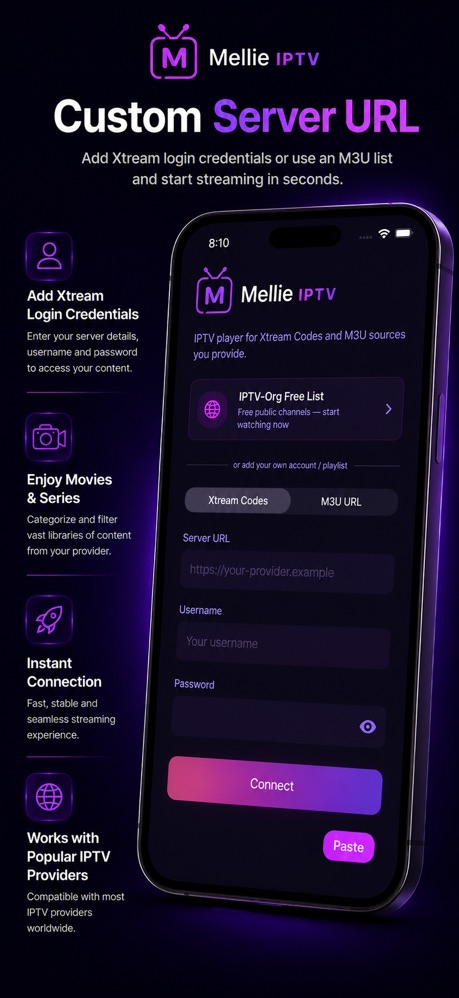
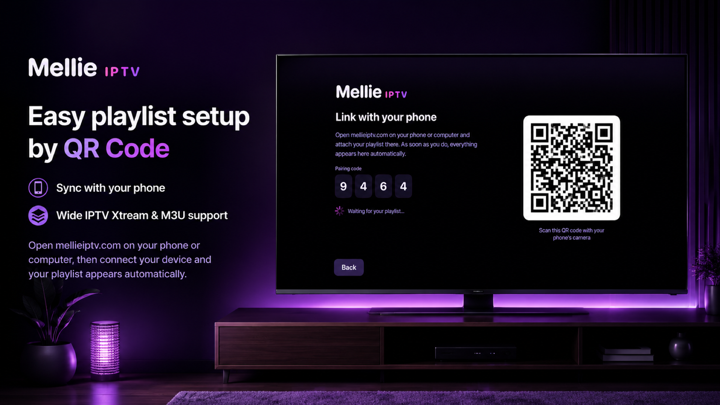
Works with Xtream Codes and any M3U / M3U Plus playlist. Switch providers whenever you like.
Favourites & History
Save what you love and pick up right where you left off, with recently-watched memory per device.
Parental Lock
PIN-protected controls that automatically detect and lock adult categories in multiple languages. Safe for the whole family.
31 Languages
Full localisation including right-to-left support for Arabic, Hebrew and Farsi. Your language, your TV.
See it for yourself.
02 — A glimpse of what's waiting.
Up and running in minutes.
03 — No wizard, no account required.
Download the app
Install Mellie from the App Store, Google Play or the LG Content Store on your iPhone, iPad, Apple TV, Android device or LG TV.
Add your provider
Enter your Xtream Codes credentials or paste your M3U playlist URL.
Browse & watch
Your channels, movies and series load automatically. Pick something and play.
Activate your licence
Start with a free trial. Unlock the one-time lifetime licence from inside the app.
Pay once. Keep it forever.
04 — No subscription, ever.
One licence,
zero strings.
Try Mellie free, then unlock everything with a single payment. No monthly fees, no auto-renewals, no surprises — just your provider, beautifully played, for as long as you own your device.
Billed once through the App Store, Google Play or secure checkout on your LG TV. No subscription.
- Free trial to start
- All features unlocked
- iPhone, iPad, Apple TV, Android & LG TV
- Free updates
Good to know.
05 — The things people ask first.
Does Mellie provide channels or content?
No. Mellie is a player only — it includes no channels, streams, films or playlists. You connect your own legal IPTV provider using Xtream Codes credentials or an M3U playlist, and Mellie simply plays it beautifully.
Which providers and formats work?
Any provider that gives you Xtream Codes login details (server, username, password) or an M3U / M3U Plus playlist URL. You can switch or update your provider at any time inside the app.
How much does it cost?
Mellie is a one-time €10 lifetime licence — there is no subscription and no recurring fee. You can start with a free trial and unlock the full app whenever you're ready.
Is it legal to use Mellie?
Mellie itself is a neutral media player, like a web browser for IPTV. You are responsible for using a provider and content that you are legally entitled to access in your country.
Which devices are supported?
iPhone, iPad, Apple TV, Android, Android TV and LG TV (webOS) are all available today.
Do I need an account?
No account is required. Download, enter your provider details, and start watching. Your licence is tied to your device through the App Store or Google Play.
Your big screen.
Your pocket.
06 — Same provider, everywhere.
iOS
Native iPhone and iPad app with Picture-in-Picture and the same content as your big screen — in your hands.
Download on the App StoreApple TV
Purpose-built for tvOS with full remote navigation, gorgeous channel artwork and a live EPG on the big screen.
Download on the App StoreAndroid & Android TV
One app for Android phones, tablets and Android TV — with Picture-in-Picture, background audio and the same library on every screen.
Get it on Google PlayLG webOS
Designed for the big screen with D-pad navigation, a live EPG sidebar and crisp 1080p playback — install it straight from the LG Content Store on your TV.
Available in the LG Content StoreReady to watch?
Install Mellie on your iPhone, iPad, Apple TV, Android device or LG TV today. Start with a free trial — no commitment required.